Hero Section Headline (Company's Main Problem it solves)
Supporting Claims and Statements
Quick Company Story to validate and further explain it's mission and who its for.

Sign up for our Emails
Get product and service information and special offers, links to valuable resources, educational tips and tricks, and company updates
Start Here
Begin the journey to understand how we solve our primary pain.
Upcoming Event Announcement
Blurb about your next big event
Join Our Community
A great place to request or discuss everything about what we do, how we can help with your problems, find like-minded individuals for discussion, make requests of our company, and stay on top of the latest announcements.
Features/Benefits/Services
What we do here is this stuff. Consider neat pics for each of these segments too.
Here's our first service
Here's our second service
Here's our third service
In conclusion, all this stuff can really benefit you in this way.
Our Services
We are a General Company Offering
We Do This
Describe
And We Do This
Describe
We Also Do This
Describe
Don't Forget About This
Or we might
And We Can Also
When you want it
Most Really Need
This service
But We're Best At
Doing this stuff
If You Want
We can also achieve you this
Ah the GOOD Stuff
That's the stuff right there
FAQ
Your Title Here
Lorem ipsum dolor sit amet, consectetur adipisicing elit. Autem dolore, alias, numquam enim ab voluptate id quam harum ducimus cupiditate similique quisquam et deserunt, recusandae.

Your Title Here
Lorem ipsum dolor sit amet, consectetur adipisicing elit. Autem dolore, alias, numquam enim ab voluptate id quam harum ducimus cupiditate similique quisquam et deserunt, recusandae.
Your Title Here
Lorem ipsum dolor sit amet, consectetur adipisicing elit. Autem dolore, alias, numquam enim ab voluptate id quam harum ducimus cupiditate similique quisquam et deserunt, recusandae.
See What Customers are Saying about Company/Program/Owner
First Video Testimonial
Owner of whatever it is
Offering some of the most this and that and the other things


(Paraphras the above video)
All kinds of good stuff that just got said
~Person claiming it all
Then These

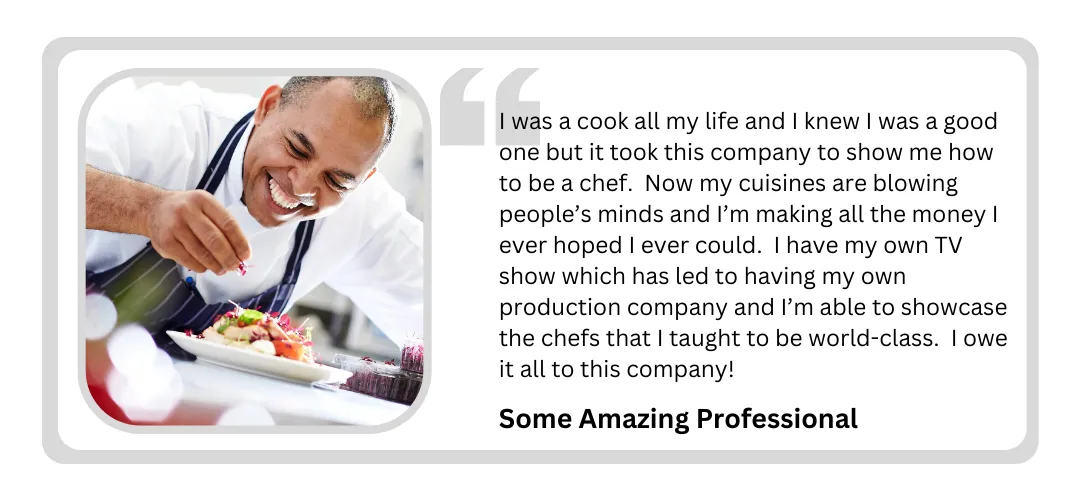
Other Testimonials
The Company Story
Label the Story
Why we do what we do
Long Company origin
Meet the Owner
Lorem ipsum dolor sit amet, consectetur adipisicing elit. Autem dolore, alias, numquam enim ab voluptate id quam harum ducimus cupiditate similique quisquam et deserunt, recusandae.
Who We Are
Featured Team Member
Blurb About them.
Statement BY them.
Featured Team Member
Blurb About them.
Statement BY them.
Featured Team Member
Blurb About them.
Statement BY them.
The Latest Company Blogs
Video Marketing on a Budget: Tips That Actually Work
You Don't Need a Big Budget to Win
Great video marketing doesn't cost a fortune. Here's how to make it work — even if you're starting from scratch.
Why Video Marketing Actually Matters
Let me be real with you for a second.
If you're a small business owner and you're not using video yet, you're leaving money on the table.
I know that might sound harsh, but it's true.
Video is the most powerful way to get your message out there.
It's more engaging than a text post.
It's more memorable than a photo.
And it lets people actually get to know you — your personality, your brand, your story.
Think about it: people buy from people they like and trust. Video builds that trust faster than almost anything else.
And here's the really good news: video is everywhere now. YouTube. TikTok. Instagram. Facebook. You don't have to pay to play — you just have to show up.
'But I Don't Have a Big Budget!' — That's Actually Fine
Here's a little secret the big marketing agencies don't want you to know: you don't need a fancy studio or expensive equipment to make videos that get results.
In fact, some of the most-watched videos on the internet were shot on a phone in someone's living room.
When your budget is tight, something interesting happens — you get creative.
And creative, authentic videos are exactly what today's audiences connect with.
Nobody wants to watch a stiff, overproduced commercial anymore. They want real. They want YOU.
Being on a budget isn't a weakness. It might actually be your biggest advantage.
Step 1: Set a Budget That Actually Makes Sense
Before you shoot a single second of video, you need to know two things: what you're trying to accomplish, and what you have to work with.
Ask yourself:
What kind of videos do I want to make? (Product demos? Customer stories? Quick tips?)
What do I already have? (A phone, a laptop, natural light from a window?)
What do I actually need to buy or subscribe to?
The goal here is to be honest — not to cut corners so much that your videos look bad, but also not to overspend on things you don't need yet.
Write it all down. Equipment, apps, editing tools, anything you plan to use.
Then look at where you can save and where it's worth spending a little extra.
Step 2: Get Creative with Low-Cost Video Ideas
You'd be amazed what you can do with what you already have. Here are a few approaches that work really well — and won't drain your bank account.
Let your customers do the talking.
Ask happy customers to make a short video about their experience with your product or service. This is called user-generated content (UGC), and it's gold. It's free, it's real, and people trust it way more than a polished ad.
Recycle what you already have.
Got a popular blog post? Turn it into a video. Did a webinar? Chop it up into short clips. You've probably already got great content sitting around — just give it a new format.
Team up with someone.
Partner with a local business, an industry expert, or a small influencer to make videos together. You split the work, you share the audience, and you both win.
Keep it simple.
Slideshows, screen recordings, and simple animations can be incredibly effective — and they require almost no equipment at all.
Step 3: Your Smartphone Is All You Need (Seriously)
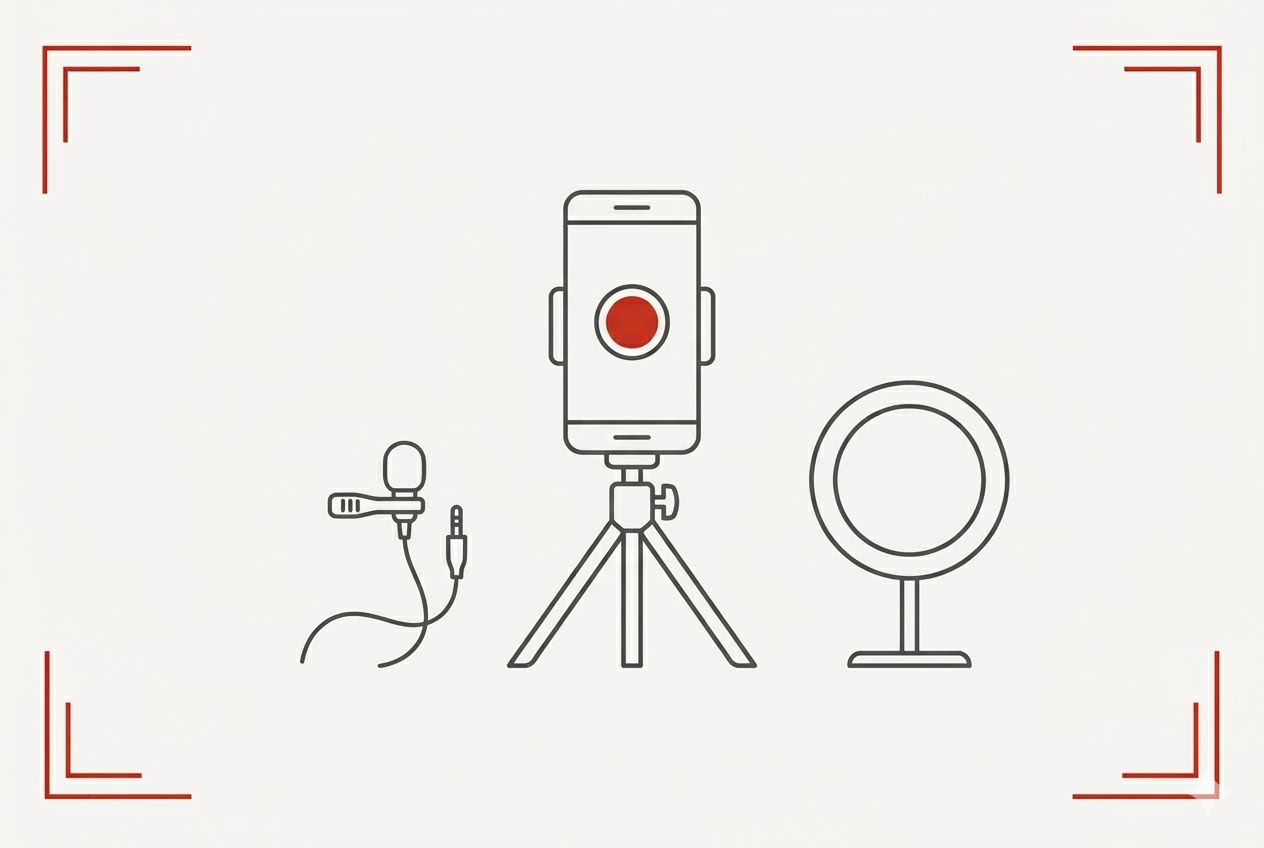
I want to say something and I really need you to hear it: your phone is a professional video camera. A really good one.
Modern smartphones shoot in 4K. They have built-in stabilization. They have portrait mode. You literally have a production studio in your pocket.
A few small upgrades can make a big difference:
A cheap tripod (around $15–$25) — steady shots look professional
A clip-on microphone (under $30) — bad audio kills a good video fast
Good lighting — stand near a window or grab an inexpensive ring light
That's it. Seriously. You don't need more than that to get started.
"Don't worry — nobody is watching! When you start out, you have no followers. By the time people discover you, you've made more videos and are much better at it."
And here's something else I always say: to get to video #10, you have to make videos 1 through 9. You're going to feel awkward at first. Every creator does.
The only way to get better is to start.
If a video is really bad? Don't post it. Nobody will ever know it existed. That's the beauty of this — you can just do it again.
Step 4: Edit Your Videos Without Spending a Fortune
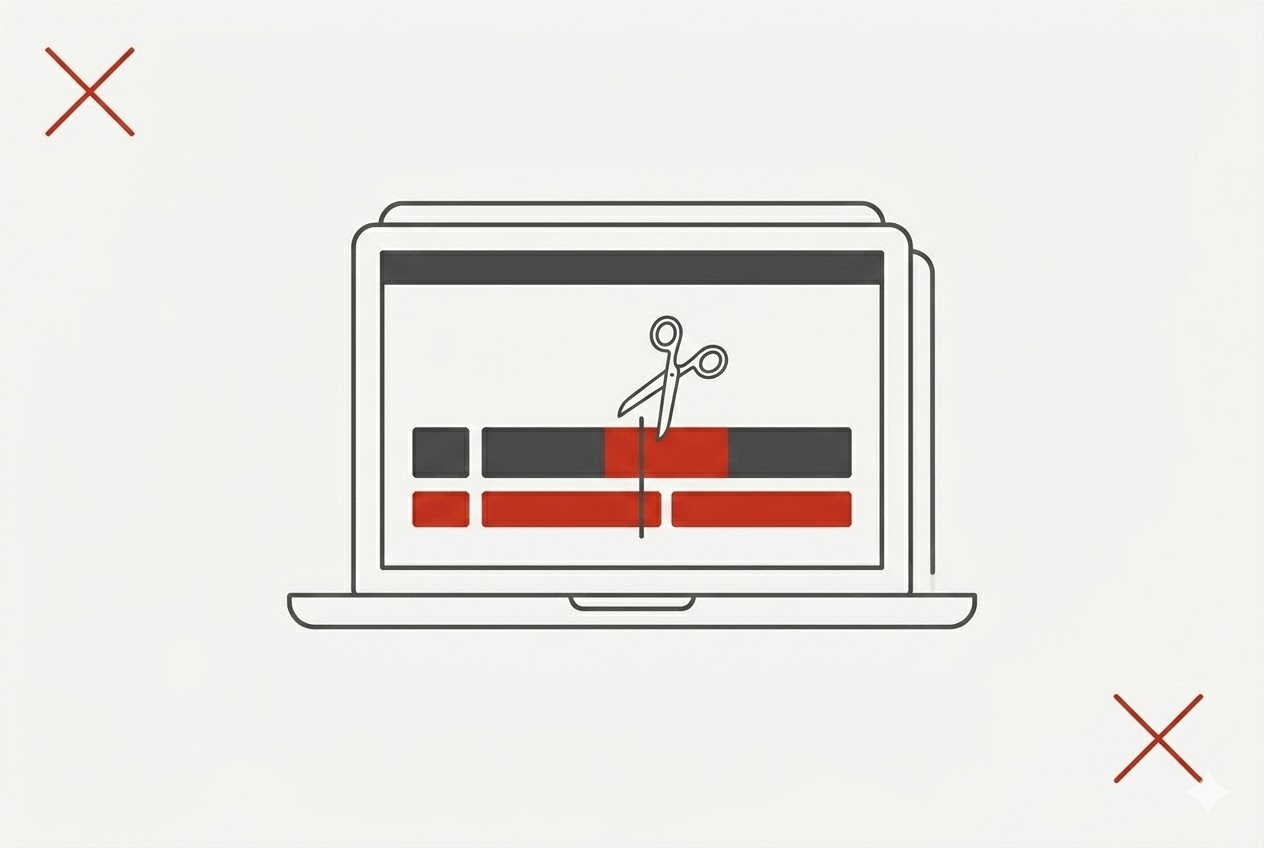
Editing is where good videos become great videos. And the good news? You don't need expensive software.
Here are some of the best free and low-cost editing tools out there:
•DaVinci Resolve — 100% free, professional-grade. Color correction, audio tools, effects. It's the real deal.
•HitFilm Express — free, great for adding visual effects, easy to learn
•Shotcut — free, open-source, works on basically any computer
•iMovie (Mac/iPhone) — already on your device, surprisingly powerful
•Adobe Premiere Rush / Filmora — small cost, but lots of templates, music, and advanced features if you want to level up
All of these come with tutorials online. Start with one, learn it, and stick with it. You don't need them all.
Step 5: Get Your Videos in Front of People — for Free
Making the video is just half the battle. Now you need to put it somewhere people will actually see it.
Here's a quick breakdown of where to post and why:
•YouTube — the search engine of video. (FYI: Gooogle owns YouTube. THAT's why search is so effective with YouTube!) Great for longer content. People find you through search even years later.
•Instagram & Facebook — perfect for short, punchy clips. Use Stories and Reels for extra reach.
•TikTok — fast-growing, great organic reach if your audience is there
•LinkedIn — ideal if you sell to other businesses (B2B)
•Twitter/X — good for quick clips that drive traffic elsewhere
You don't have to be on all of them. Pick one or two where your customers hang out, and do those well.
Also — engage! When people comment on your videos, reply. Ask questions. Build a little community. That goes a long way.
Step 6: Make People Actually Watch (and Take Action)
You can make the best video in the world, but if people aren't watching it or doing anything after, it's not working for you.
Here's how to fix that:
Tell a story.
Don't just list features. Talk about a problem your customer has. Show how you solve it. Make it feel real. Stories are what people remember.
Use good keywords.
Put relevant words in your video title, description, and tags. This helps people find your video through Google and YouTube search. Add captions too — they help with SEO and make your videos accessible to more people.
Make a great thumbnail.
Your thumbnail is the first thing people see. Make it bold, clear, and relevant. A good thumbnail can double your click-through rate.
Tell them what to do next.
Every video should end with a clear call-to-action (CTA). Subscribe. Visit your website. Leave a comment. Give them a freebie to download. Buy now. Don't assume they'll just figure it out — tell them!
Step 7: Track What's Working
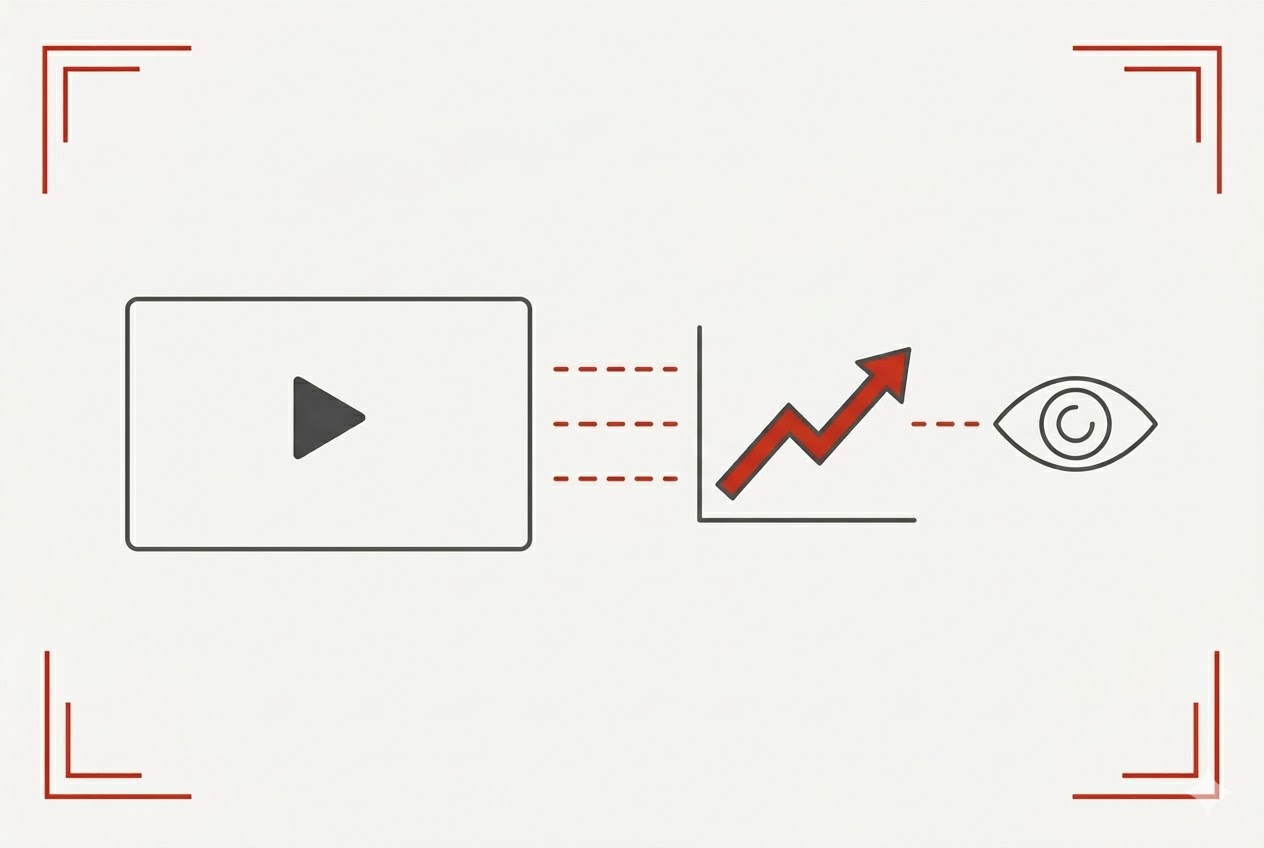
Once your videos are out there, you need to know if they're actually doing anything. The good news: all the major platforms give you free analytics.
The numbers to pay attention to:
Views — how many people are watching
Watch time — are they sticking around or clicking away after 5 seconds?
Engagement rate — likes, comments, shares
Click-through rate (CTR) — are people clicking on your links?
Conversions — are they actually buying, signing up, or calling?
Use YouTube Analytics, Instagram Insights, Facebook Insights, or Google Analytics to pull this data. Look at it regularly — not obsessively, but consistently.
When you see a video performing well, ask yourself why. Then do more of that.
You've Got This — Now Go Make Something
Here's the bottom line: video marketing works, it doesn't have to be expensive, and you don't have to be perfect to get started.
I know it can feel scary. A lot of small business owners tell me they don't want to be on camera because they're afraid they'll look silly or sound weird. I get it. But here's what I always tell them:
"Nobody is watching yet — and by the time they are, you'll already be good at this."
The hardest video to make is the first one. After that, it gets easier every single time.
Set a small budget. Grab your phone. Pick one platform. Make one video this week. Don't overthink it.
Remember: it's not about how much you spend. It's about how consistently you show up. And the businesses that show up — even imperfectly — are the ones that win.
Now go make something. You've got this. 🎬

Sign Up For Emails
Where to find us
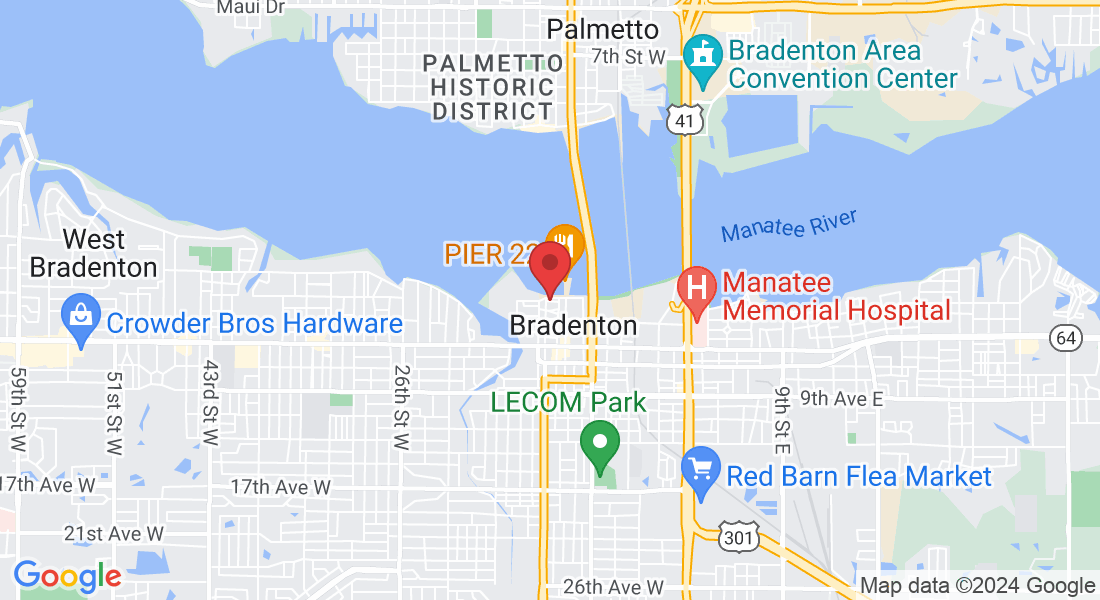
Visit Us At
Bradenton, FL, 34212
During these Hours of Operation
From
Monday:
Open Time,
Eastern
To
Closing Time,
Eastern
Tuesday:
Open Time,
Eastern
Closing Time,
Eastern
Wednesday:
Open Time,
Eastern
Closing Time,
Eastern
Thursday:
Open Time,
Eastern
Closing Time,
Eastern
Friday:
Open Time,
Eastern
Closing Time,
Eastern
Saturday:
Open Time,
Eastern
Closing Time,
Eastern
Sunday:
Open Time,
Eastern
Closing Time,
Eastern
AdWise Creative, LLC
Phone: 941.307.7796
Bradenton, FL, 34212
© Copyright: AdWise Creative, LLC,
2026. All Rights Reserved.


This site is not a part of the Facebook website or Facebook Inc. Additionally, This site is NOT endorsed by Facebook in any way. FACEBOOK is a trademark of FACEBOOK, Inc.